Feed Your Brain with Knowledge Sources
Your Brain is the knowledge base that powers all your AI content. The more you feed it with articles, videos, research, and ideas, the smarter and more original your content becomes.
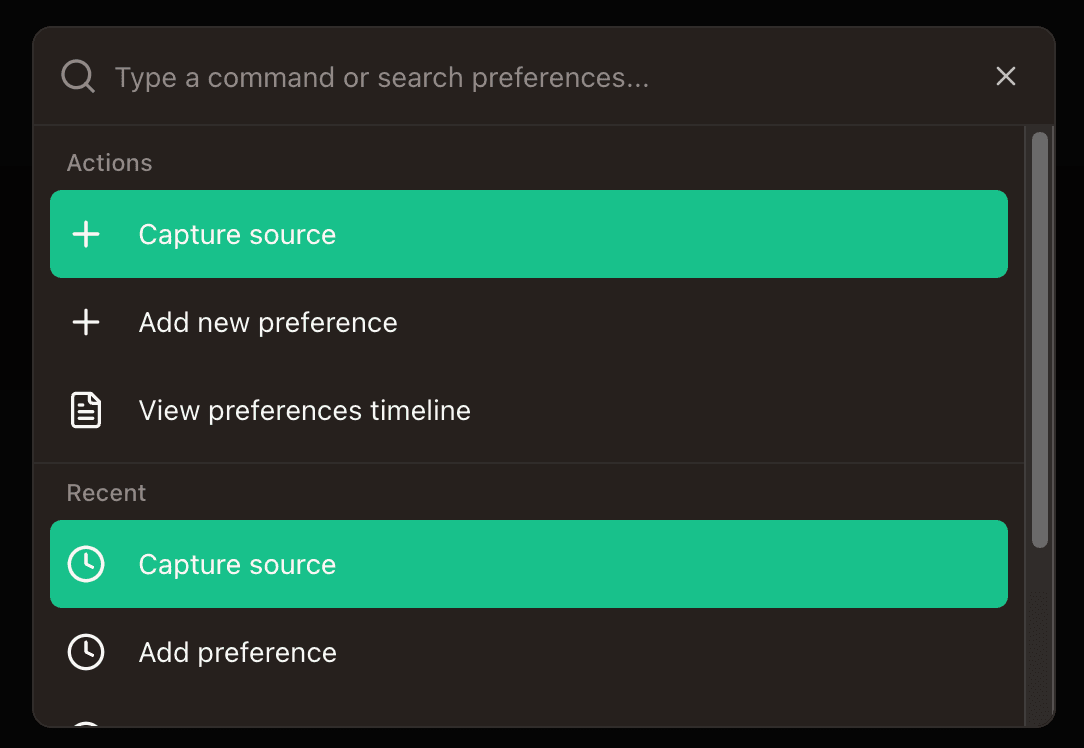
Open the Command Bar
Press +K on Mac (or Ctrl+K on Windows) from anywhere in the app to open the Command Bar. Select Capture source from the actions list.
Paste any content and let AI process it
The AI Source Capture dialog accepts almost anything. Paste it in, click Process with AI, and the AI handles the rest: extracting full content, generating titles, categorizing, and preparing it for content creation.
Web Articles & Blogs
Paste any URL. AI scrapes the full article, not just a summary.
YouTube Videos
Paste a YouTube link. AI transcribes the full audio and extracts key insights.
Social Content
Instagram Reels, TikTok videos, Reddit threads. AI extracts the valuable information.
Raw Text & Notes
Paste text, brain dumps, ideas, or meeting notes. AI structures and categorizes them.
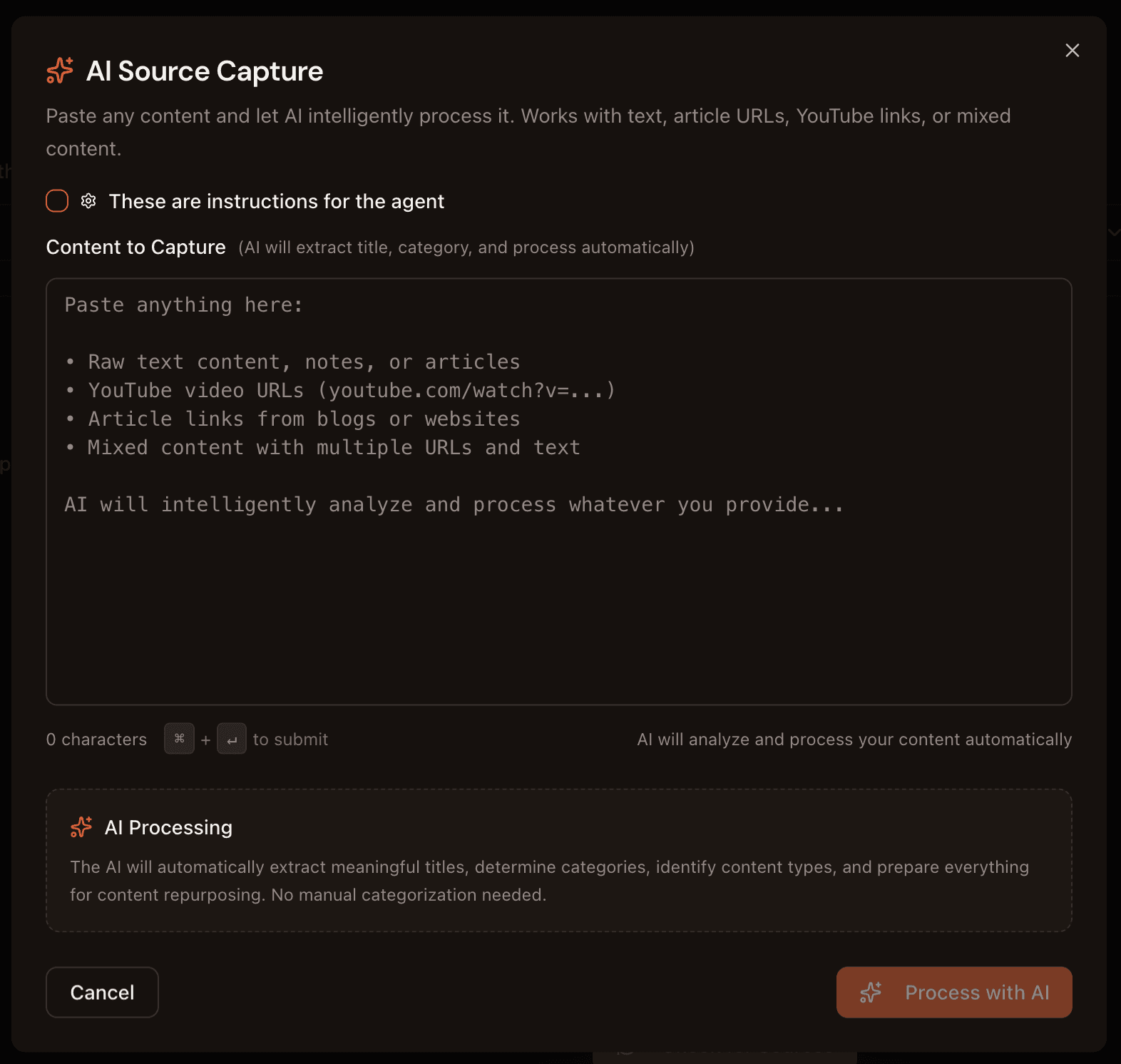
Tip: You can paste multiple URLs and text in one go. The AI will process each item separately and save them as individual sources.
Use Instruction Mode for research
Toggle “These are instructions for the agent” at the top of the capture dialog. Instead of saving content, the AI agent will execute your research request: searching the web, YouTube, and social platforms, then synthesizing findings with source citations.
Examples of research instructions:
- “Find 5 recent statistics about AI in marketing”
- “Research what people are saying about content automation on Reddit”
- “Summarize the top 3 YouTube videos about personal branding in 2026”
View and manage your saved sources
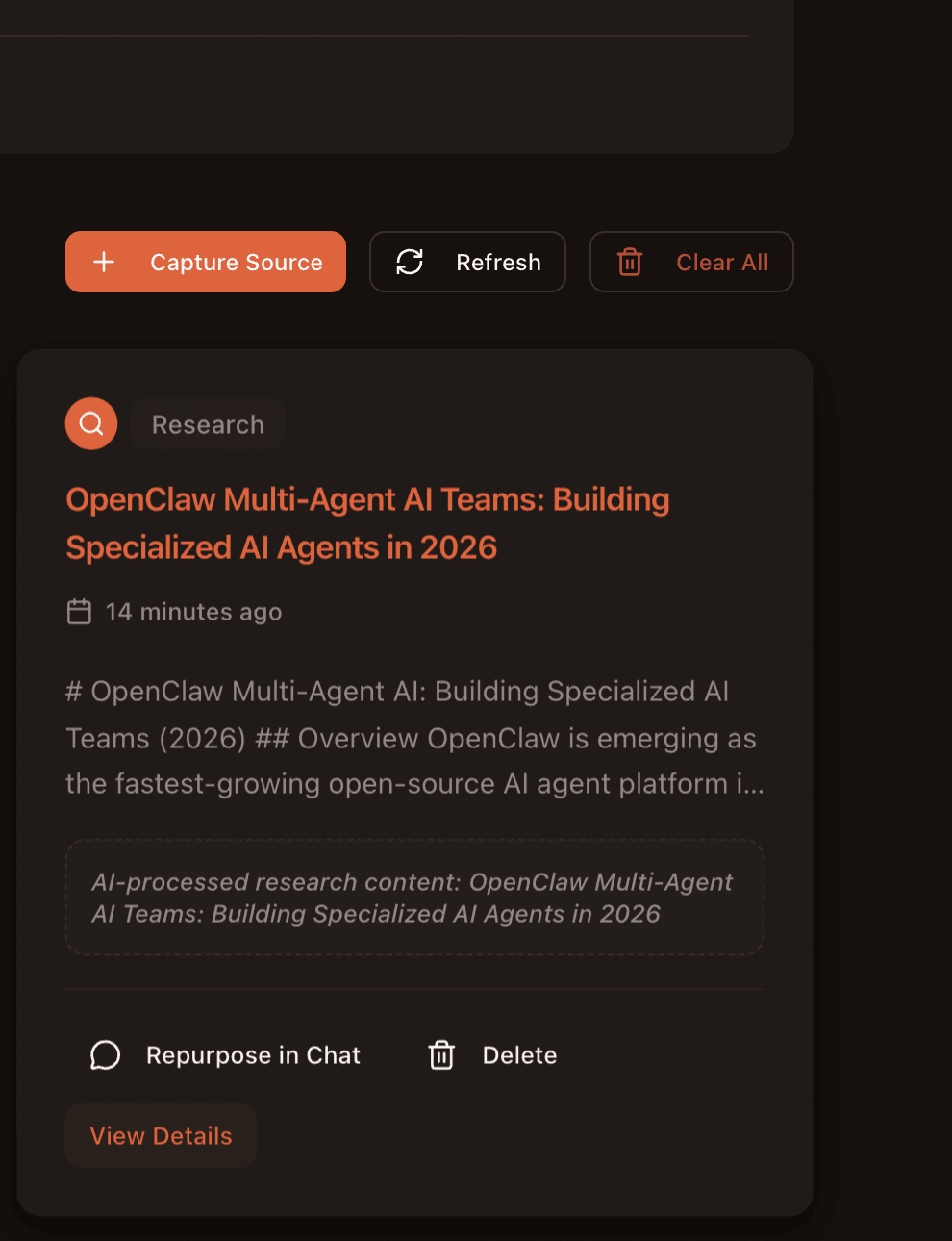
Your processed sources appear in the Sources library. Each source card shows the title, a preview of the content, and when it was processed. You can:
- Repurpose in Chat — open Agent Chat with this source as context to create content from it
- Refresh — re-process the source to update its content
- View Details — see the full processed content the AI extracted
How your Brain powers content creation
Every source you save becomes part of your AI's knowledge. When you create content through any workflow, the agent draws from your saved sources to produce more informed, unique, and accurate posts.
Smarter Content
Agents reference your real research and articles instead of generating generic claims.
Your Unique Angle
Sources give your content a perspective no one else has. Your Brain makes you stand out.
Tip: Build a habit of capturing sources daily. Every interesting article, video, or idea you save makes all your future content stronger. Use +K whenever you find something worth saving.